
This page uses a tracking cookie to measure ad performance. You can accept or reject it. Either way, the page works exactly the same.
From signing up to your first quote
Fifteen steps, most of them under a minute. Do the first four and you can quote. The rest is what makes it look like a real business sent it.
See what it costs
Free is a real plan, not a trial that stops working. Ten documents a month, forever, with no card. R49 lifts that to 75 a month and unlocks your own logo, all five templates, your customer list and the reports. You can start free and decide later.
A minute to read
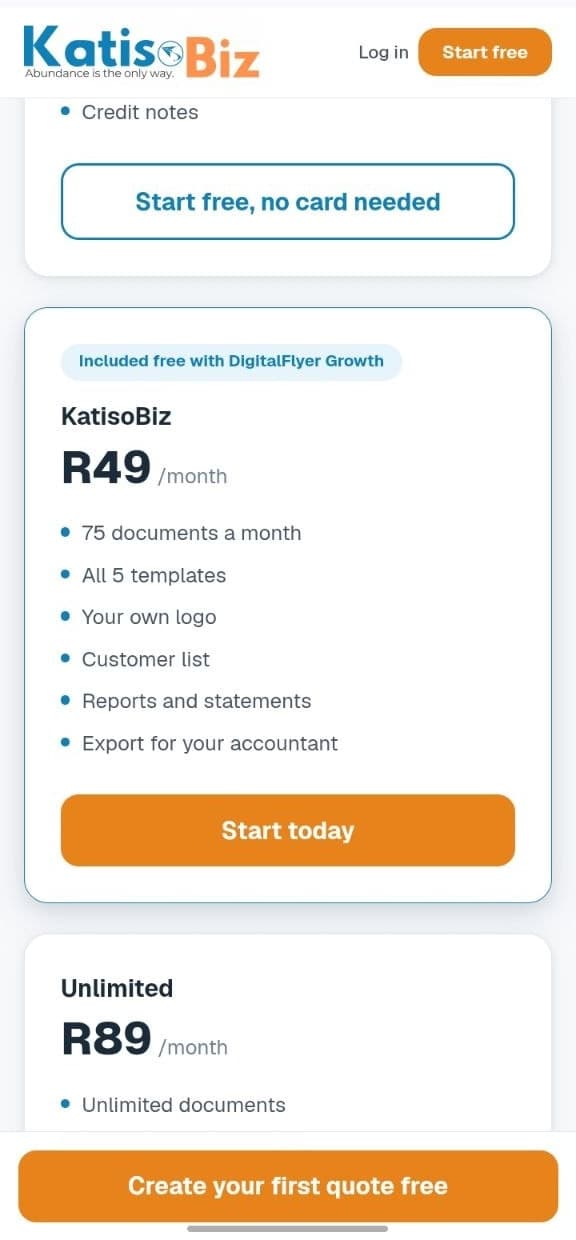
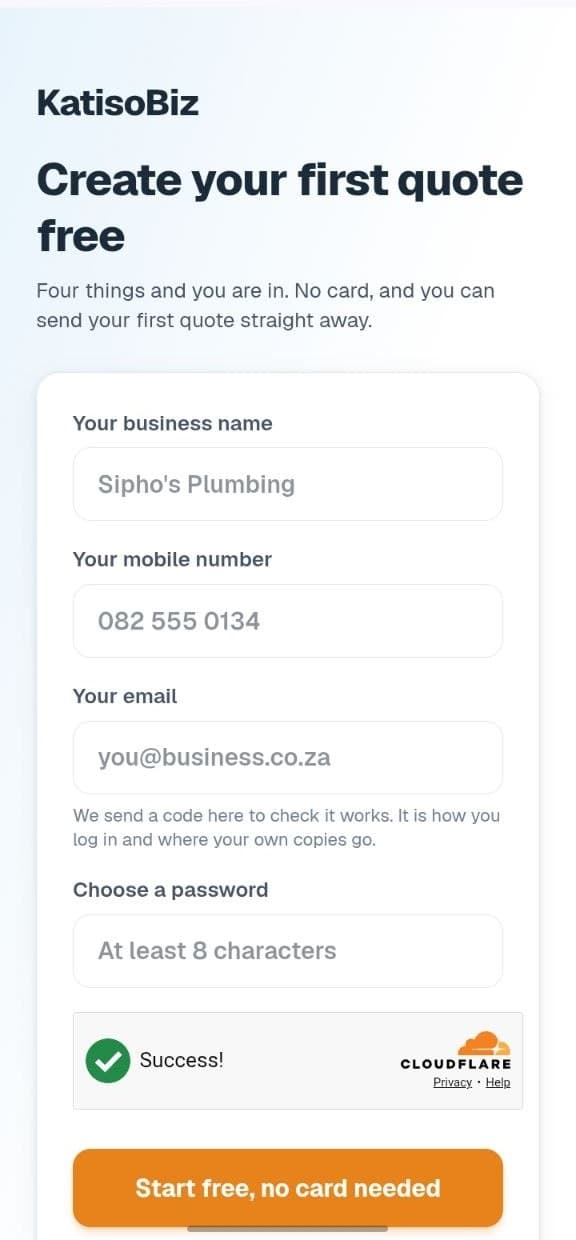
Sign up
Four things: your business name, your mobile number, your email and a password. No card, and nothing to download. The email matters because it is how you log in and where your own copies go, so use one you actually check.
About a minute
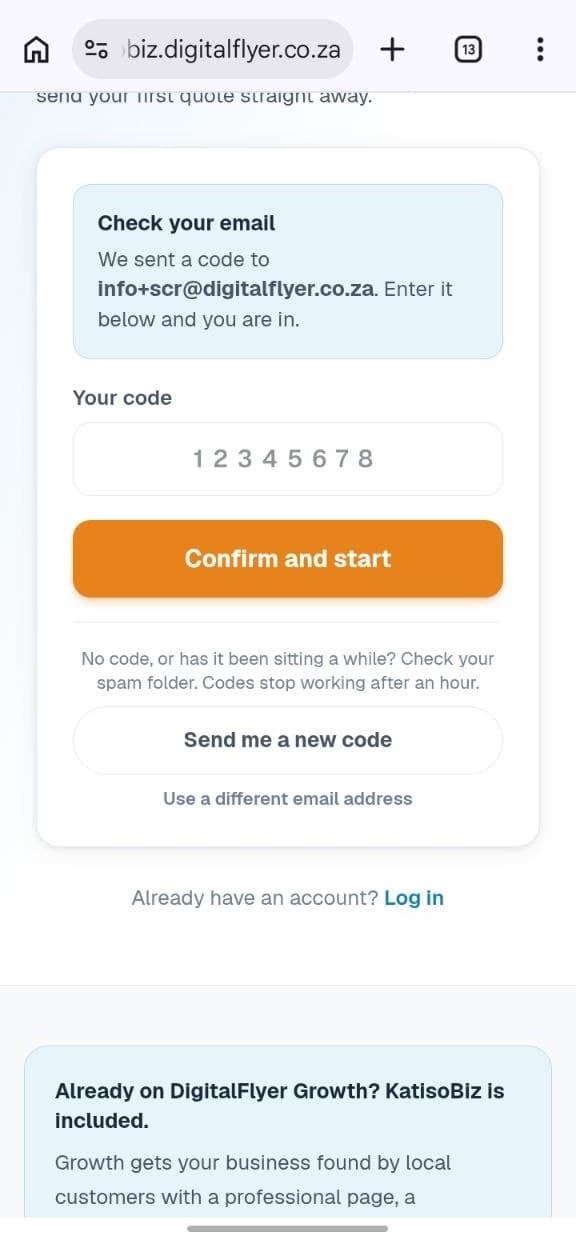
Enter the code we email you
We send a code to that address to check it works. Type it in and you are in. If it has not arrived in a minute, check your spam folder, and there is a button to send a new one.
Seconds
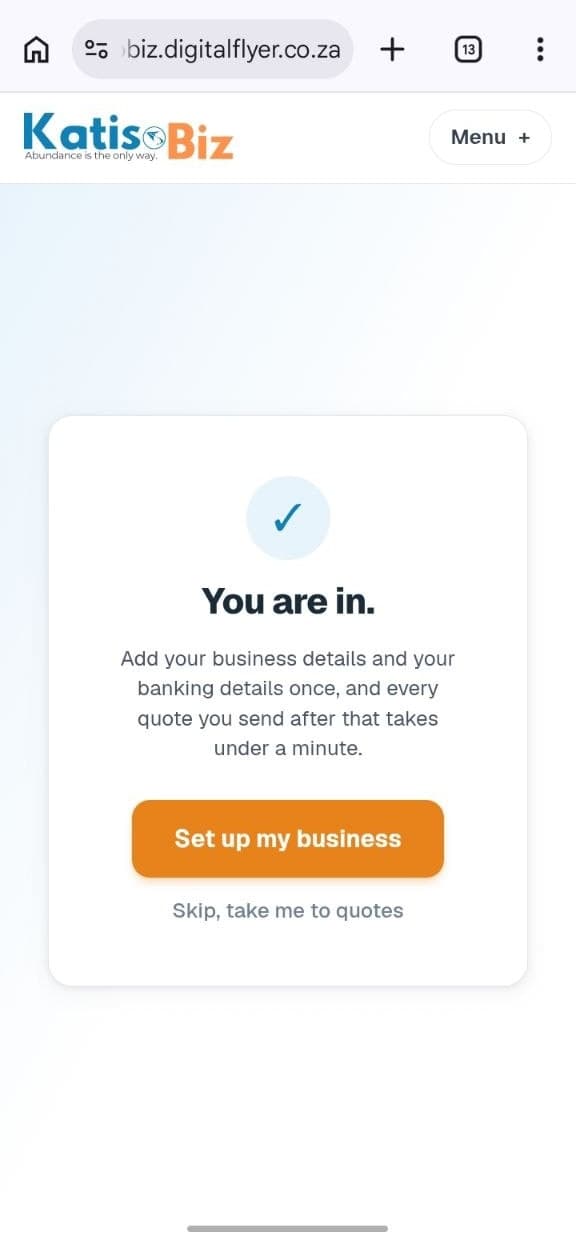
You are in
That is the account done. You could stop here and build a quote right now, but the next four steps are what make every document after this one look like it came from a real business.
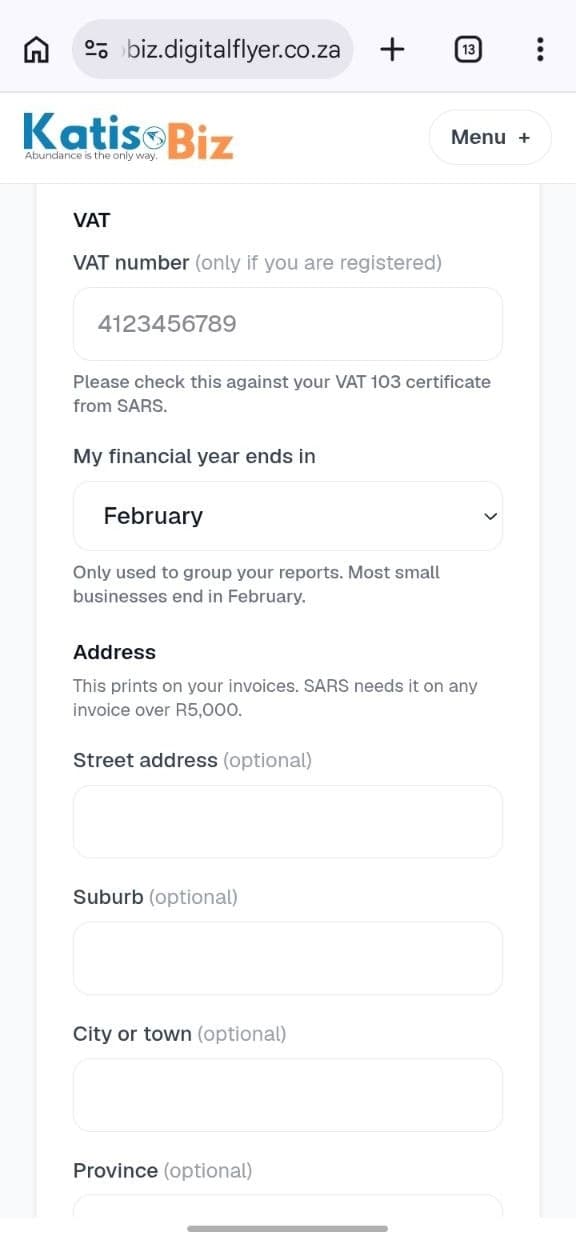
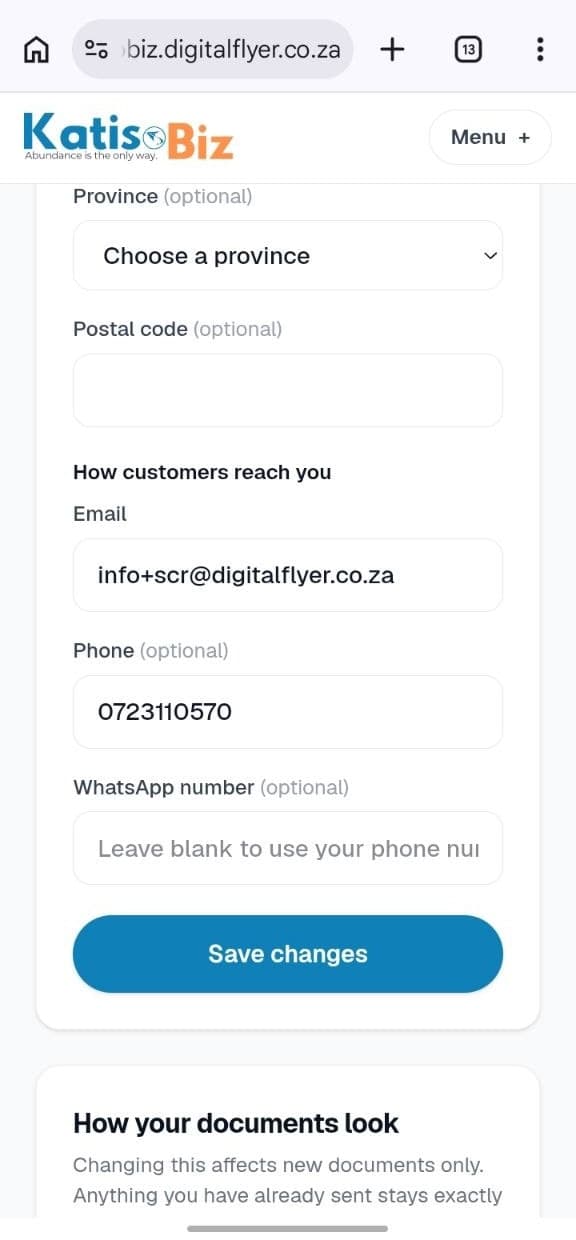
Put in your business details
Settings then Business details. Your name, address and phone print at the top of every document. This is what turns a quote from a WhatsApp message into something that looks like a business sent it.
About 2 minutes
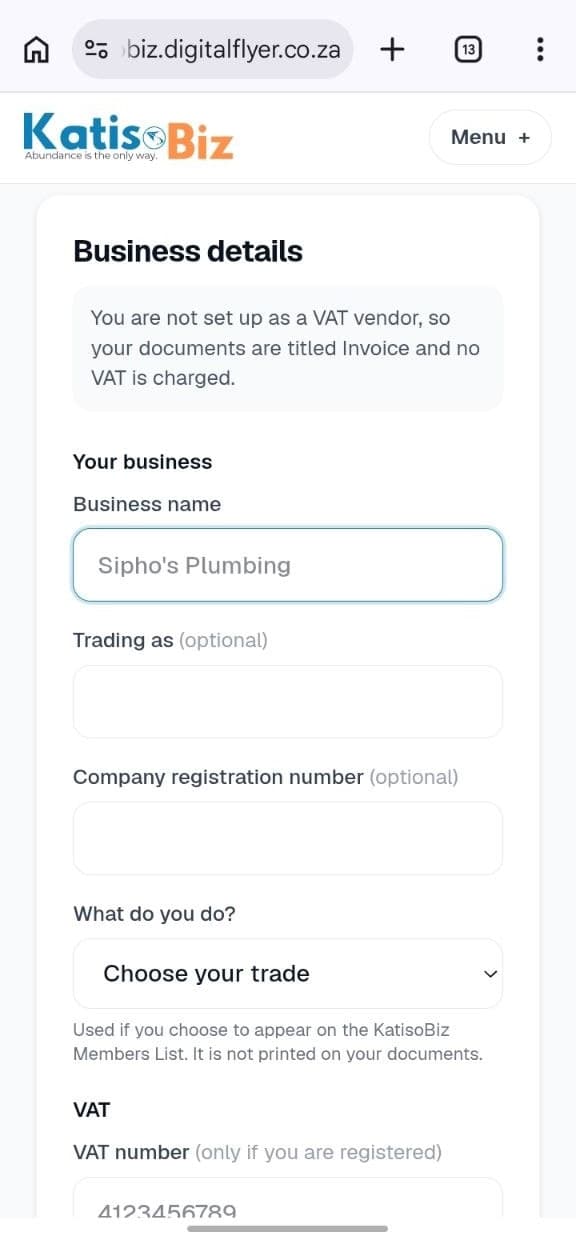
VAT, only if you are registered
Put your VAT number in and every invoice becomes a proper Tax Invoice by itself, with the VAT worked out and shown. Leave it blank and KatisoBiz never mentions VAT again. Most members leave it blank, and that is normal.
A minute
Add your banking details
This is how you get paid, so nothing is more worth two minutes. It prints on every invoice with your invoice number as the reference, which is what lets you match a payment when it lands. Changing it later needs a code from your email, on purpose.
About 2 minutes
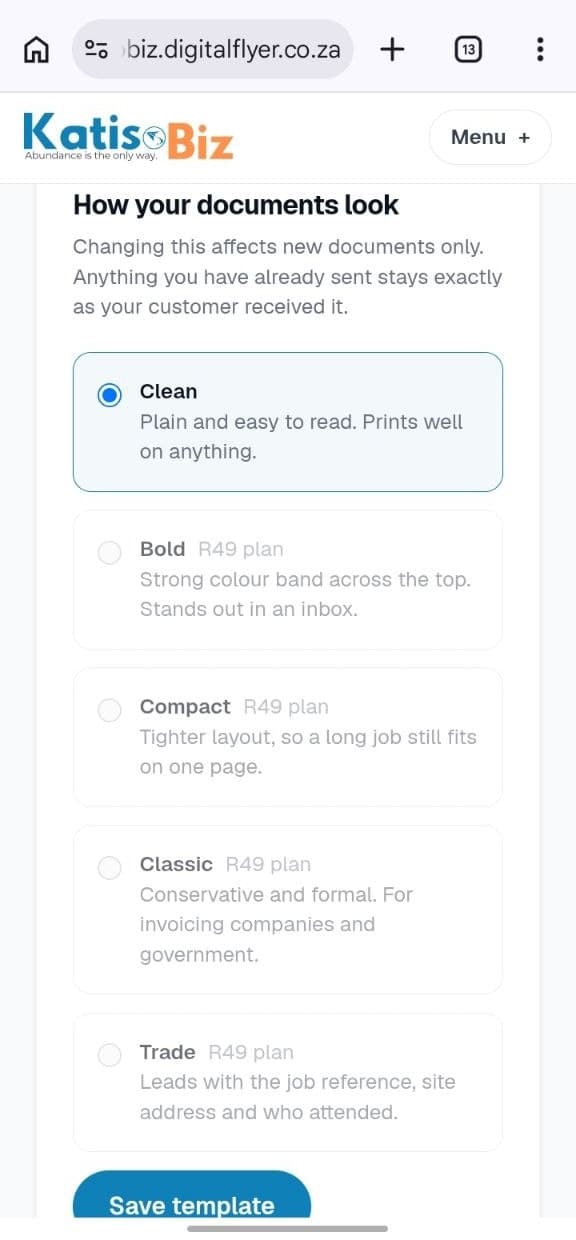
Pick how your documents look
Five templates on the paid plan, one on free. Pick the one that looks like your trade. You can change it later and it only affects new documents, so nothing you have already sent changes behind your back.
A minute
Add your logo
On the paid plan you can upload your own logo and it prints on every document. If you do not have one yet, your business name in clean type looks perfectly professional, and plenty of members never add one.
A minute
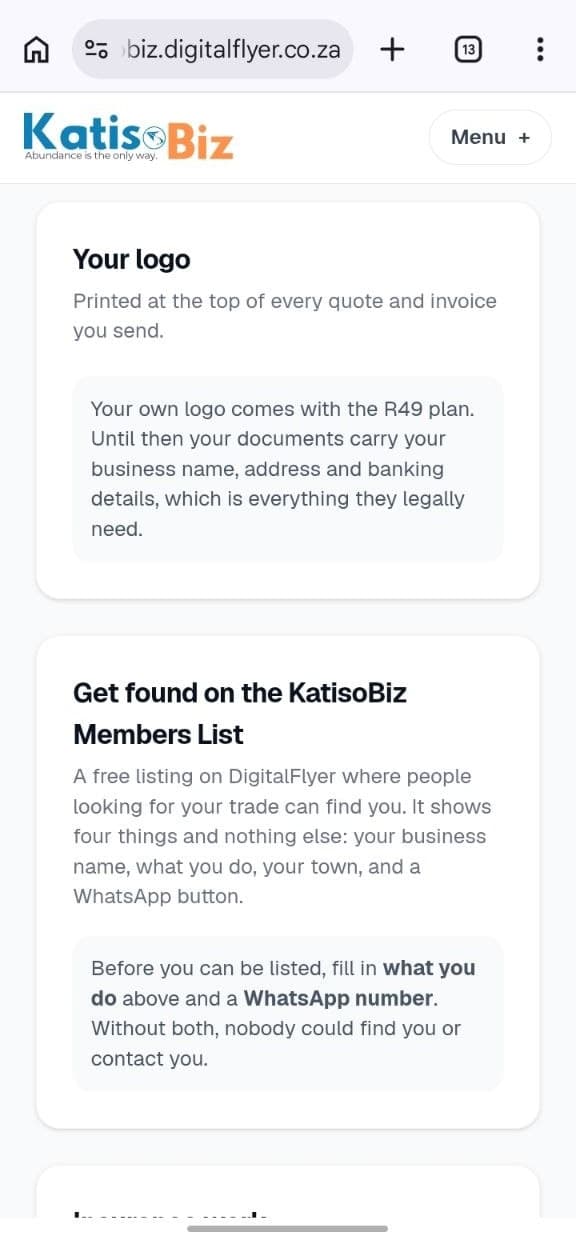
Insurance rates, if you do that work
If you quote insurance jobs at a different rate, switch this on and every price in your list gets a second price. The document decides which one it uses, so you never quote the wrong rate by accident. Ignore it entirely if it is not your world.
Optional
Save the prices you charge most
Price list then Add a price. Your callout fee, your hourly rate, the parts you fit most. Every price saved here is one you never type again. You can skip it and add them from a quote as you go, which is what most members end up doing.
As long as you like
Start your first quote
Your home screen opens on one big Start a quote button. Press it, then add what you are charging for. Search your price list or type a line straight in. The total works itself out as you go, and anything you type can be saved to your price list with one tap.
Under a minute once your prices are in
Put a customer on it
Type their name straight into the quote. If they are new, that creates them without leaving the screen, so you never lose what you were doing. Only a name is required. Add a mobile number if you want to send it on WhatsApp.
Seconds
Issue it, then send it
Press Issue this quote. That gives it a number and locks the amounts, which is what makes it a document rather than a draft. Then Send on WhatsApp. Your own WhatsApp opens with the message written and a link to the quote, and you press send yourself, so it arrives from your number. We email you when your customer opens it.
Seconds
Turn it into an invoice and get paid
They said yes and the job is done, so open the quote and press Turn into invoice. Nothing is retyped. Send it the same way, and when the money lands press Mark paid. Now your reports know what you have earned, what you are owed and who is behind.
Seconds
The rest of it, once you are going
You do not need any of this to send your first quote. It is here for when you want it.
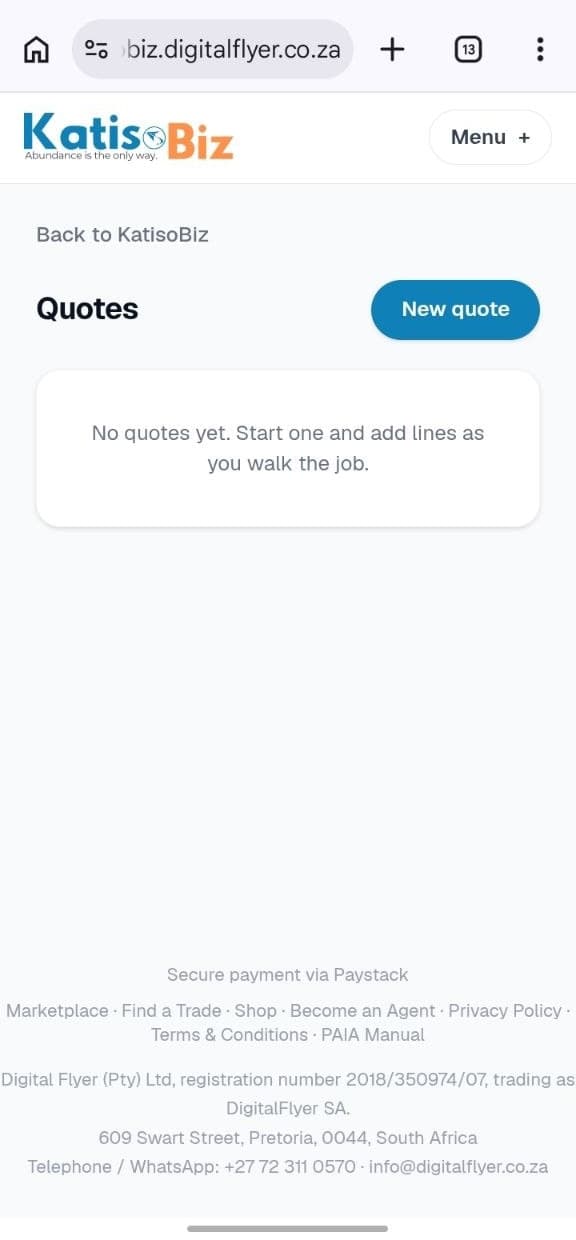
Quotes
Everything you have quoted, and where you build a new one.
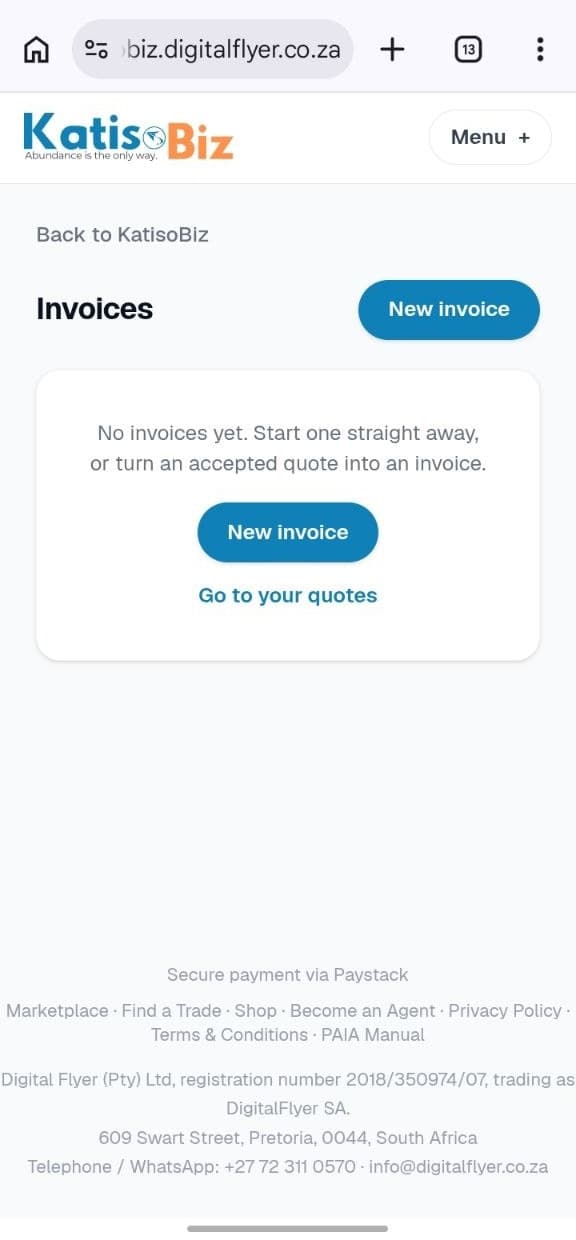
Invoices
Everything you have invoiced, and what is still owed.
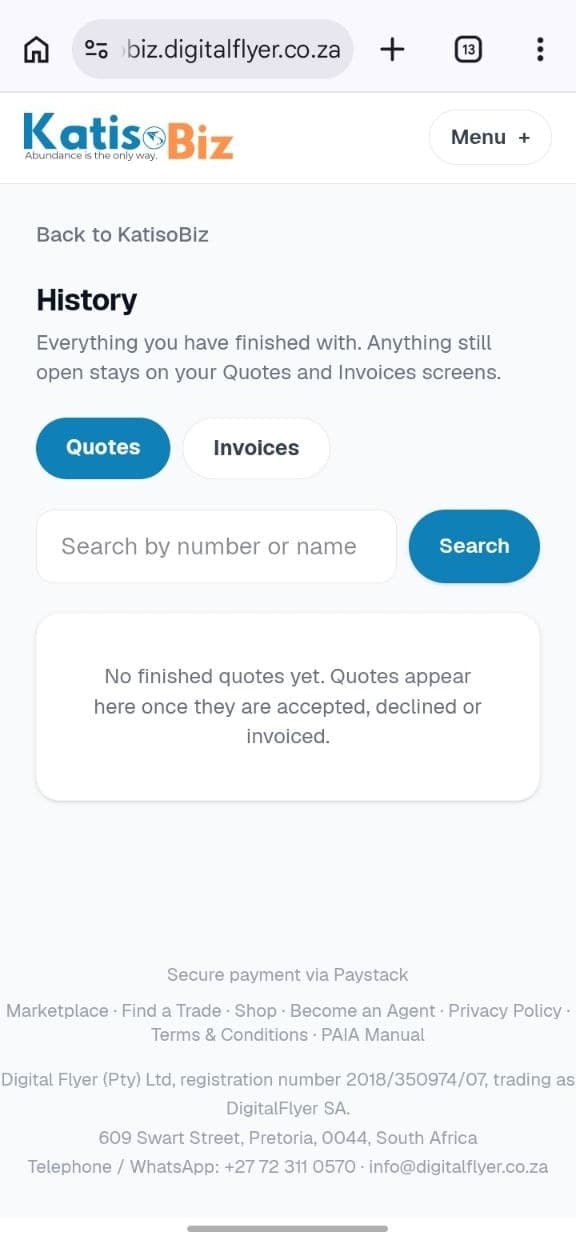
History
Everything finished with, searchable by number or customer.
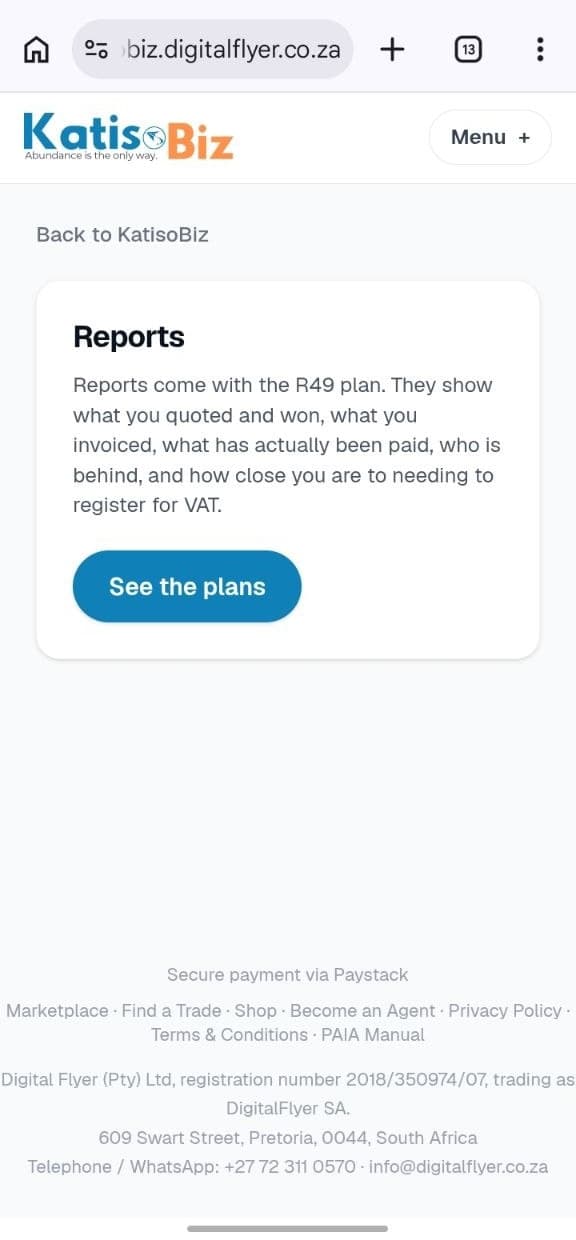
Reports
What you quoted, won, invoiced and were actually paid.
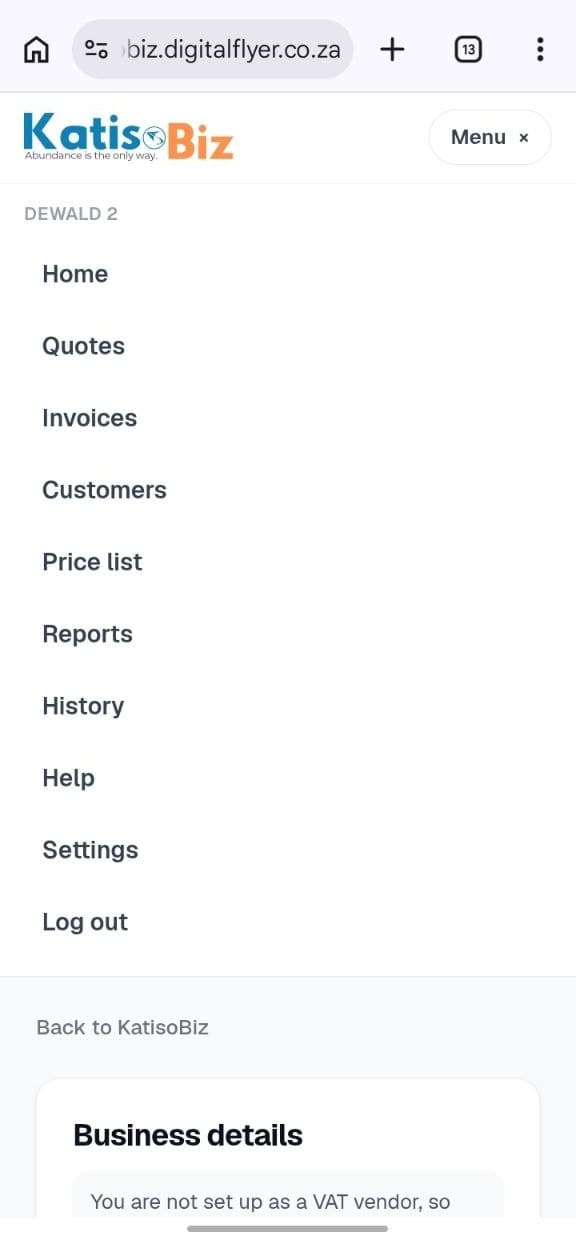
The menu
Every screen is one tap from here.
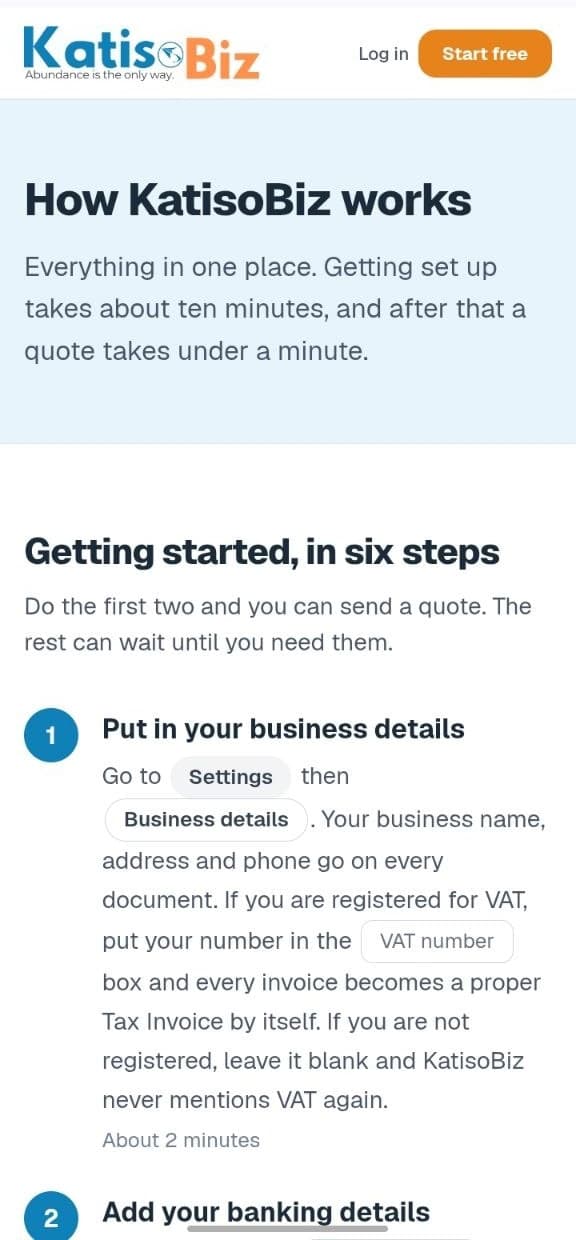
Help
This guide, and a way to reach a person.
That is the whole thing
Ten documents a month free, forever, with no card. Your first quote can go out in the next ten minutes.